Establish ColorCheck Baseline
The "Establish ColorCheck Baseline" profiling step in Media Manager captures how the printer is printing at the point where ICC profiles would be performed. ColorCheck baselines become part of the print mode and are exported when Print Media is exported.
Print the swatch from the "Establish a ColorCheck Baseline" step (selecting the baseline swatch to use.)
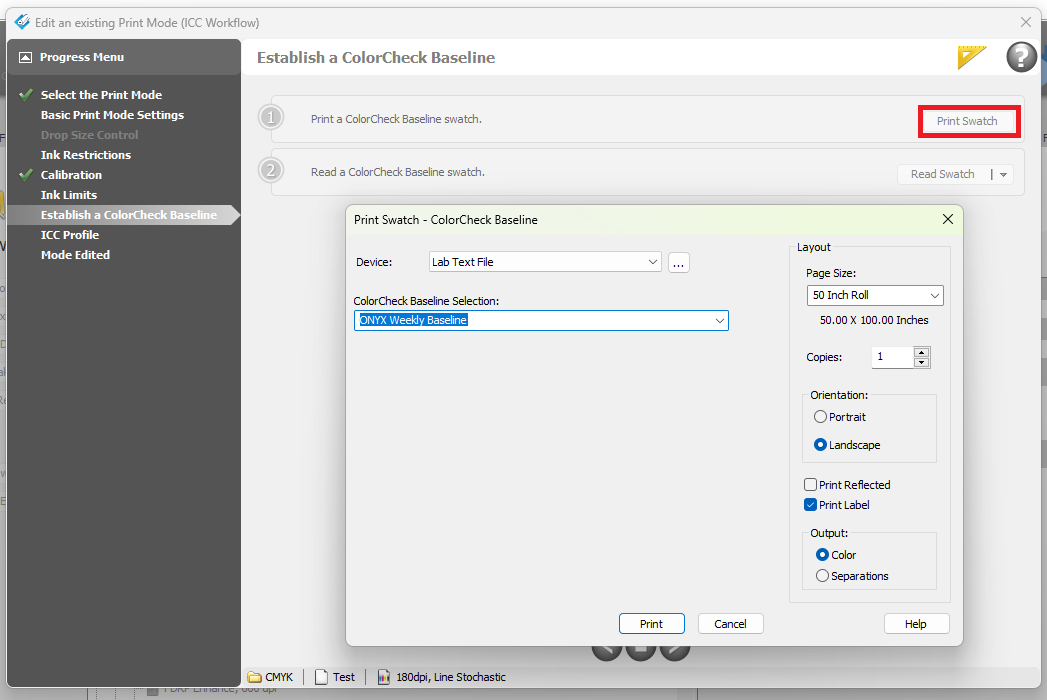
Then measure the readings using Read Swatch. Once the readings are complete, the baseline is established.
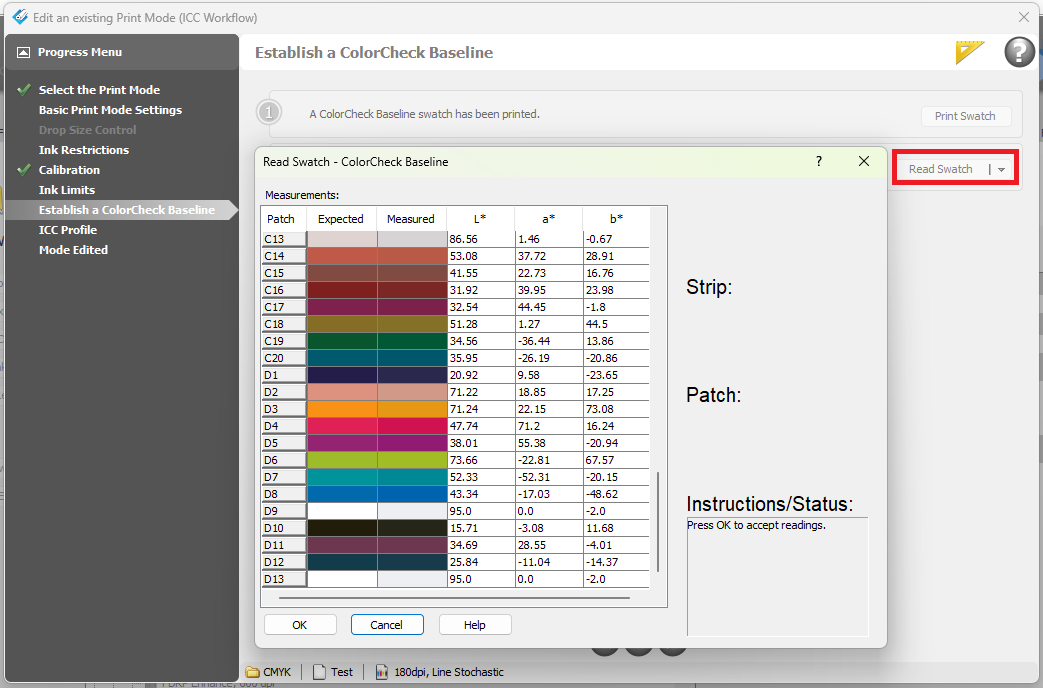
Baseline charts are usually small, with 50 to 100 patches. A Rip-Queue ColorCheck license is NOT required to capture a ColorCheck baseline in Media Manager, however, a ColorCheck license is required later for comparison against a baseline from within Rip-Queue.
It is advised that a ColorCheck Baseline always be performed (even if you don't have ColorCheck licensing currently enabled in Rip-Queue), as this will enable process control to be implemented at some future point. Comparing against how the printer was printing at the point of profiling provides a powerful tool to reduce cost, ensure consistent output color quality, enable print maintenance troubleshooting, and rapidly deal with printing issues.